 Jamie
Free
Jamie
Free
Jamie is an AI conference assistant that emphasizes
Jamie
Core parameters and statistics
Jamie’s approach to product design is very clear: instead of adding another bot to the meeting, he should try to be as “invisible” as possible. The official website defines itself as The privacy-first AI note taker. Without a bot., which makes it form a clear distinction in the meeting recording track: it not only captures the value of recording, but also tries not to change the on-site meeting experience.
| Project | Current Public Information |
|---|---|
| Official positioning | Privacy-first AI note taker without a bot |
| Recording method | Join the meeting without bot, covering online, hybrid and offline meetings |
| Language support | 100+ languages |
| Core Competencies | Structured notes, transcription, action items Ask Jamie Cross-meeting Q&A |
| Integrated Tools | Notion, Google Docs, OneNote, HubSpot, Asana, Salesforce, Attio, API & Webhooks |
| Privacy Policy | Hosted in Europe, Audio not stored, No model training |
| Enterprise Capabilities | SSO, SCIM, Verified domains, Admin controls, ISO 27001 |
| Pricing Main Line | Free, Plus, Pro, Team, Enterprise |
The key value of Jamie is not just to automatically write notes, but to allow users to gain meeting recording capabilities while reducing the psychological and process burden of "having a robot in the room".
User and market recognition
Jamie's official website does not have a large number of performance figures like some sales tools, but it focuses product recognition in two directions: one is privacy and European hosting, and the other is users' preference for "natural meeting experience". The official website shows usage reviews from Clay, Replit, Wispr Flow and other backgrounds, and emphasizes that it can be recorded online, mixed and offline, indicating that it is aimed at professionals and teams who communicate frequently but do not want to interrupt the meeting atmosphere.
From a market perspective, Jamie is not “the most comprehensive revenue suite”, nor is it “the most aggressive sales coaching platform”. Instead, it captures a real pain point: many teams want to record meetings, but they don’t like bots, permission reminders, and additional participants appearing in meetings. Jamie’s attraction to this type of team is immediate.
Cost advantage
Jamie's cost advantage is not the absolute lowest price, but that it turns privacy, natural meeting experience, and cross-conference Q&A into payable product values. The annual payment prices disclosed on the official website are as follows:
- Free:
€0/month, 10 meetings / month, 30 minute time limit. - Plus:
€21/month(paid annually), 20 meetings/month, 2 hour limit. - Pro:
€39/month(paid annually), unlimited meetings, 3-hour single session limit. - Team:
€33/seat/month(paid annually), for teams of 2+ people, providing centralized billing and advanced collaboration. - Enterprise: Custom offer, including SAML SSO, admin controls, SCIM (coming soon), DPAs and personalized deployment support.
If the team is very sensitive to bots and requires EU data residency and a strict privacy policy, Jamie's payment logic is clear; but if the team only compares "cost per minute of transcription", it may not be the cheapest option.
Main functions
- Bot-free note taking: Notes and transcriptions can be generated without letting the bot join the meeting.
- Structured notes & transcripts: Organize meeting content into reusable structured records.
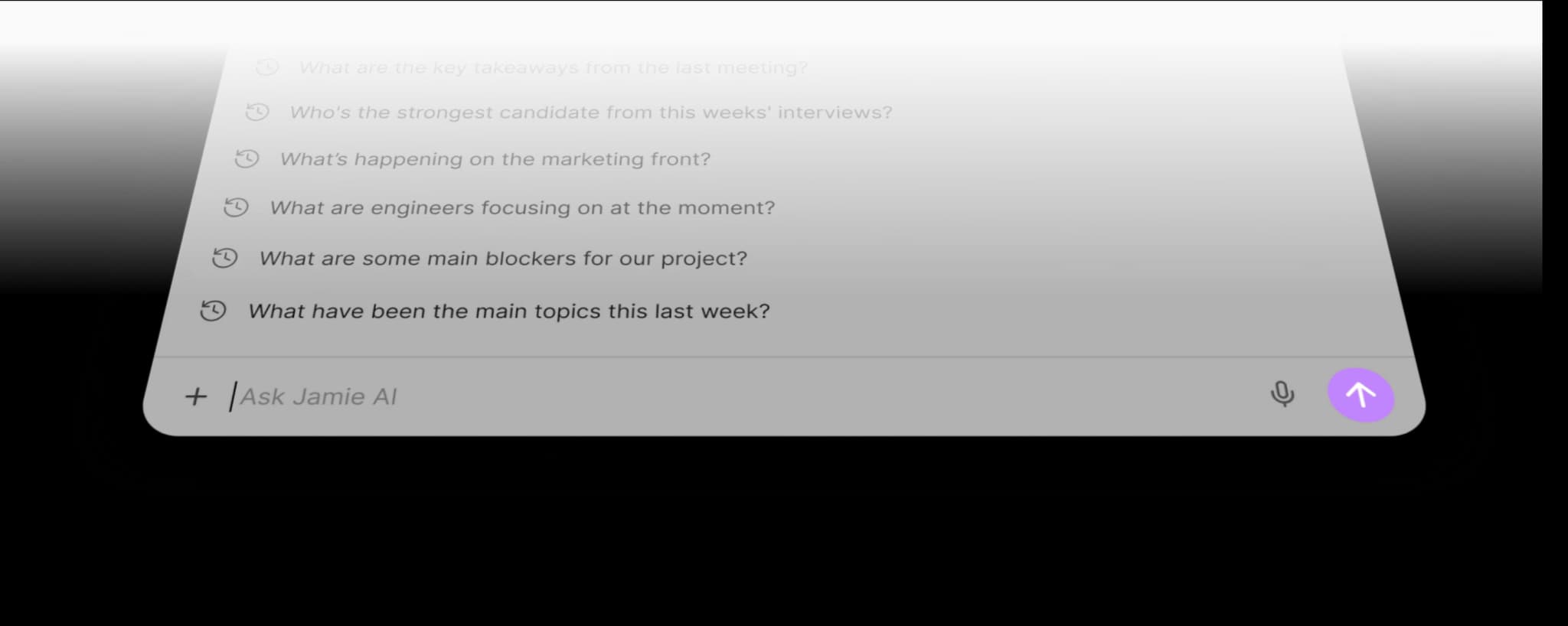
- Ask Jamie: Ask questions about a single or multiple historical meetings and quickly retrieve customer or project details.
- Task detection: Automatically identify tasks and subsequent actions.
- In-person support: Supports offline meeting and mixed scene recording.
- Template system: Different solutions support custom templates and shared templates.
- Workflow integrations: Connect with Notion, Google Docs, OneNote, HubSpot, Asana, Salesforce, Attio, API & Webhooks.
- Enterprise controls: SAML SSO, SCIM, domain name verification, administrator permission control.
Jamie's highlight is not in complex sales scoring, but in "quietly recording the meeting in full so that you can ask questions later."
Model and version evolution
Jamie's official website also does not highlight the traditional version number, but we can see a clearer evolution of capabilities: first building awareness with bot-free AI note taker, then expanding to Ask Jamie for cross-meeting retrieval, and finally developing to Team/Enterprise collaboration and governance capabilities.
Personal efficiency main line
- Free / Plus / Pro: Covers light users to high-frequency users, focusing on meeting records and history retrieval.
Team collaboration main line
- Team: Add centralized billing, shared templates, shared workspace, user analytics.
Main line of corporate governance
- Enterprise: Added SSO, SCIM, admin controls, DPAs, deployment support and more complete security provisions.
This shows that Jamie is expanding from a personal AI note-taking tool to a meeting knowledge system more suitable for professional teams.
Technical advantages
Bot-free experience: This is Jamie’s biggest product differentiator, reducing additional participants in meetings, permission friction and customer discomfort. Privacy-first design: EU data resides, audio is not stored, and data is not used for model training, making it more convincing in teams that value data boundaries. Cross-meeting Q&A capability: Ask Jamie not only reviews a single meeting, but can extract information and discover patterns from the long-term meeting library. Extensibility from team to enterprise: From personal templates to shared templates and team space SSO/SCIM, it shows that it does not only serve a single user.
For Jamie, the most critical thing is not “how flashy the model is,” but whether it can continuously and stably produce high-availability records without disturbing meetings.
How to use
| Entrance | Suitable for the scene | Description |
|---|---|---|
| Desktop / App | Formal meeting minutes | Suitable for online, hybrid and offline meetings |
| Ask Jamie | Post-meeting search | Query decisions, needs and patterns in historical meetings |
| Integrations | Knowledge transfer | Synchronization to document CRM and task system |
| Team Workspace | Team collaboration | Shared templates, labels, and spaces |
| Enterprise Controls | Organizational Governance | Manage Identity, Domain Names, and Access Control |
The recommended usage is to first verify in a personal meeting: whether the structured records generated by Jamie are more stable than handwritten notes; then check whether Ask Jamie can help you retrieve customer information or project details from a few weeks ago; and finally decide whether to zoom into the team sharing and corporate governance layers. Jamie's pilot value is usually first reflected in the two points of "reducing distractions during meetings" and "retrieving historical context".
Product Pricing
| Plan | Current public price | Applicable objects |
|---|---|---|
| Free | €0/month |
Light trial, 10 games/month, 30 minute limit |
| Plus | €21/month (annual payment) |
Individual high-frequency user, 20 games/month, 2-hour limit |
| Pro | €39/month (paid annually) |
Unlimited meetings, 3 hour limit, suitable for heavy users |
| Team | €33/seat/month (paid annually) |
2+ people team, need to share and centralized billing |
| Enterprise | Custom | Organizations requiring SSO, SCIM, DPAs and personalized deployment |
If the buyer's focus is "bot-free experience + EU data residency + privacy terms", Jamie's pricing is relatively reasonable; but if you are just looking for the lowest-priced meeting summary tool, you need to compare it with lighter products.
Application scenarios
- Customer meetings and business communications: Do not allow bots to join the meeting, more suitable for sensitive customer communications and formal external meetings.
- Internal management and cross-department synchronization: Preserve meeting context with structured recording and Ask Jamie.
- Offline and hybrid office scenarios: Suitable for real office situations that are not limited to Zoom/Meet.
- Knowledge-based personal workflow: Cooperate with document tools to accumulate long-term meeting knowledge base.
- Privacy Sensitive Organizations: An advantage when teams are particularly concerned about data residency and audio retention policies.
Applicable people
- Consultants, Managers and Knowledge Workers: Need to retain meeting details, but don’t want to type frequently during meetings.
- Team that values customer experience: Want to avoid the perception problems caused by bots entering customer meetings.
- EU/Privacy Oriented Organization: Value Europe hosting, GDPR and no audio storage.
- Growing Team: Need to gradually expand from personal use to shared templates and team spaces.
A less suitable situation is when the core need of the organization is in-depth sales analysis, methodology scoring or revenue forecasting. Those types of needs are more Gong/Avoma's strengths rather than Jamie's main battlefield.
Summary and Outlook
Jamie’s core value is not to “make meetings more lively”, but to make recording as invisible as possible. This positioning is very attractive for teams that want to preserve meeting details without letting bots enter the meeting. Coupled with cross-meeting Q&A EU data residency, no audio storage, and enterprise identity management, Jamie is no longer just a personal note-taking tool, but is evolving into a team-level meeting knowledge base.
What is currently most worthy of verification in the pilot is its actual stability and accuracy in 100+ language scenarios on its commonly used conference platform, as well as Ask Jamie's retrieval effect on long-term conference libraries. If these performance standards are met, Jamie will be a very recognizable choice for privacy-sensitive teams.
Related tools: notion-ai, google-workspace
Business process integration and ROI analysis
As a productivity tool for businesses or professional positions, the true value of Jamie depends on the depth of integration with existing workflows and the quantifiable efficiency improvement effect. The following is a systematic analysis from three core dimensions.
System integration and data interoperability The ability to interoperate with existing business systems is a key prerequisite for productivity tools to be integrated into workflows. It is recommended to focus on evaluating the following integration dimensions: the openness and documentation quality of the RESTful/GraphQL API (whether a complete API reference and SDK examples are provided), the support scope of Webhook event notifications (which business event types are supported for automatic push), the number and depth of pre-built integrations with common collaboration SaaS tools (WeChat Enterprise, DingTalk, Feishu, Slack, Notion, Jira, etc.), and enterprise-level identity authentication support (SSO/SAML/OAuth and LDAP/AD directory integration). Products that lack integration capabilities are easily isolated into information islands, which in turn increases the cognitive cost and operational friction for teams to switch between different tools.
Efficiency Quantification and ROI Estimation Methodology Before purchasing decisions, it is recommended to quantify the input-output ratio through a structured method: Step 1, choose 3-5 Standardized tasks that are frequently repeated and time-consuming in each team are used as test samples; in the second step, the average time consumption of a single task before and after tool intervention, first-time pass rate or error rate, and the number of links requiring manual intervention are recorded under controlled conditions; in the third step, the saved manpower time is converted according to the comprehensive cost of the position (salary, benefits, management sharing), and soft benefits (increased employee satisfaction, standardization of work quality, and improvement in response speed to core business) are superimposed to obtain a comprehensive ROI estimate. It is recommended to continue tracking ROI trends on a monthly basis, as the value of a tool usually increases over time as team proficiency increases and workflows are optimized.
Phase-based implementation strategy and risk control It is recommended to adopt a three-stage implementation path of "pilot verification-gradual promotion-continuous optimization". In the pilot stage (1-2 weeks), a single team or a single business scenario is selected for small-scale verification. The core goal is to verify technical feasibility and user acceptance, and establish preliminary usage specifications and success standards; in the promotion stage (2-4 weeks), after the pilot verification is passed, the coverage is gradually expanded, and standardized activation processes and training materials are developed; in the optimization stage (continuous), the workflow configuration is continuously adjusted based on actual usage data and user feedback, and more high-value application scenarios are explored. Clear quantitative key result indicators should be set at each stage to avoid blindly expanding the scope of use without data support.
Version Info
- Ask Jamie & Team Workspace :The current main line of the official website emphasizes Ask Jamie's cross-meeting Q&A, structured notes, transcription, task detection, shared templates, team workspaces and enterprise-level security, indicating that it has expanded from personal AI meeting records to the team collaboration layer.
- Jamie Bot-free AI Note Taker :Jamie established product awareness with "AI note taker without a bot", focusing on uninterrupted meeting experience and stronger privacy perception.
- Team Workspace & Enterprise Security :The product gradually expanded to include shared templates, team space SAML SSO, SCIM and enterprise deployment support.
User Reviews